

87 free games · 9 categories
Strongdog XP: Free Unblocked Games to Play Online
Open a game and start playing in seconds. Every game is hosted on this site, so there is nothing to install, no account to make, and no outside game server to load.
- No downloads
- No sign-up
- Self-hosted and open source
- 54 games work on phones
Browse Unblocked Game Categories
Featured Unblocked Games




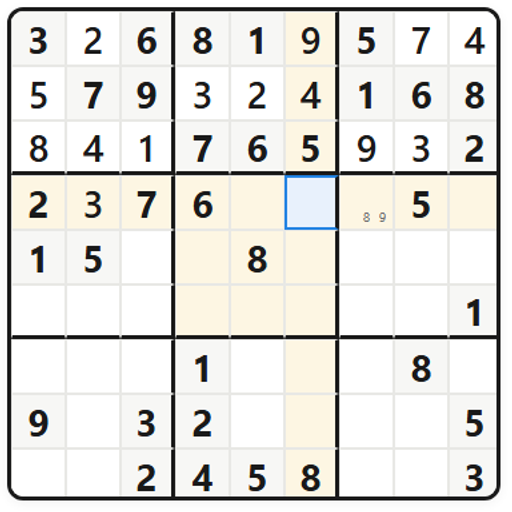
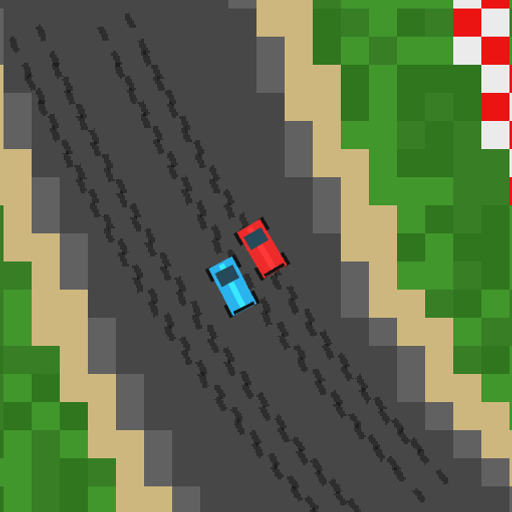
Popular Games to Play Online
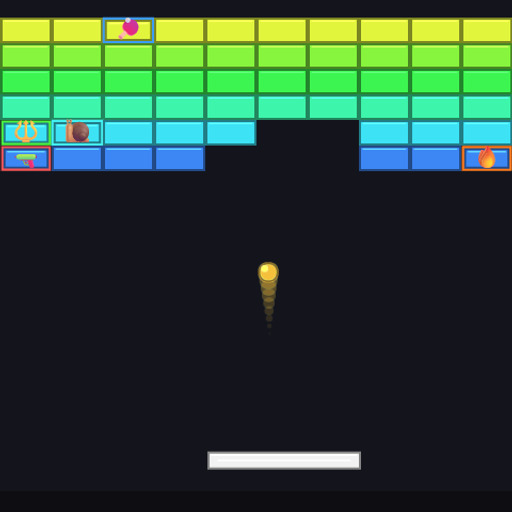
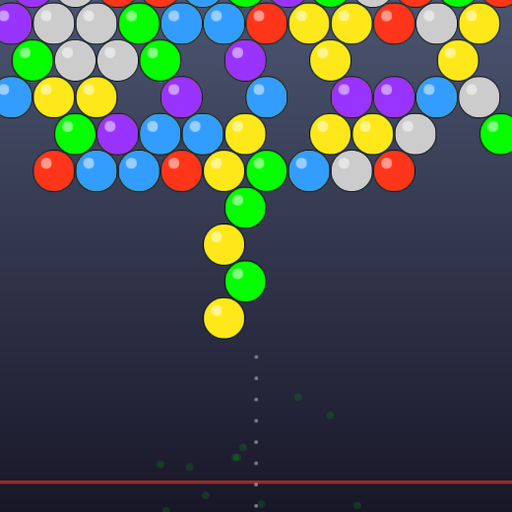
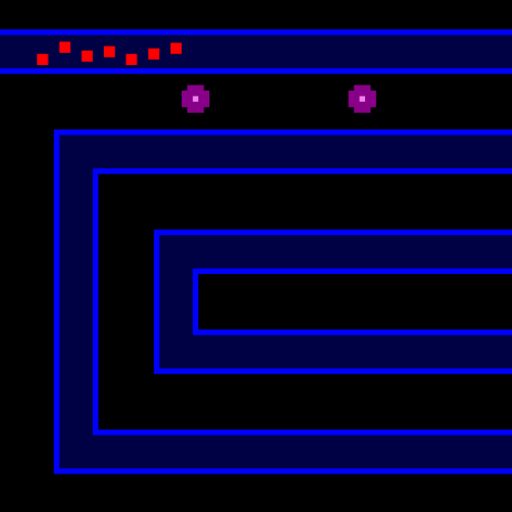
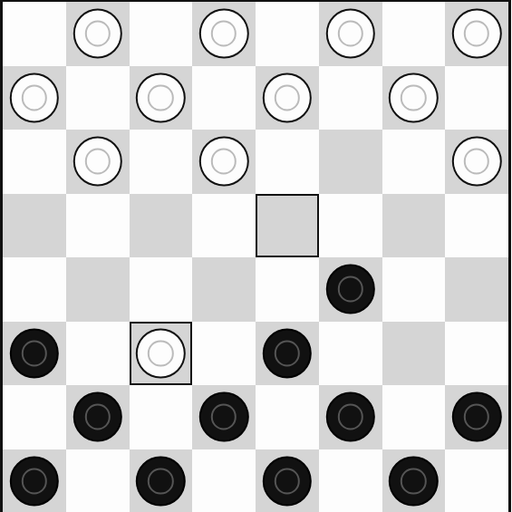
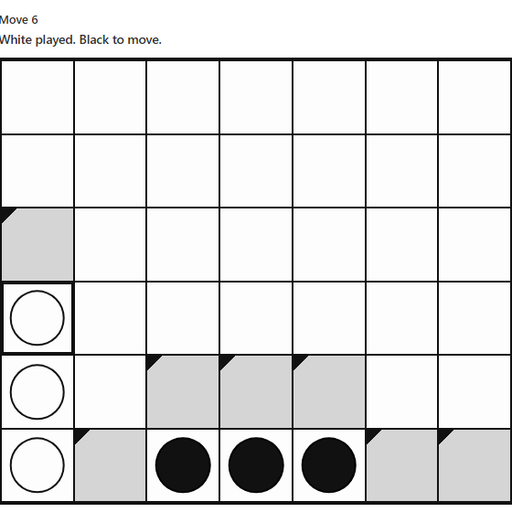
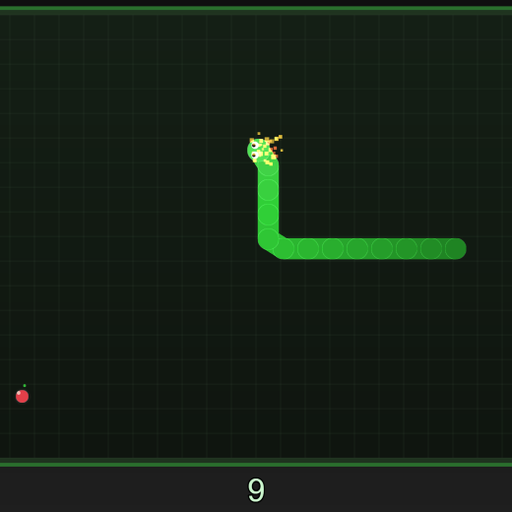
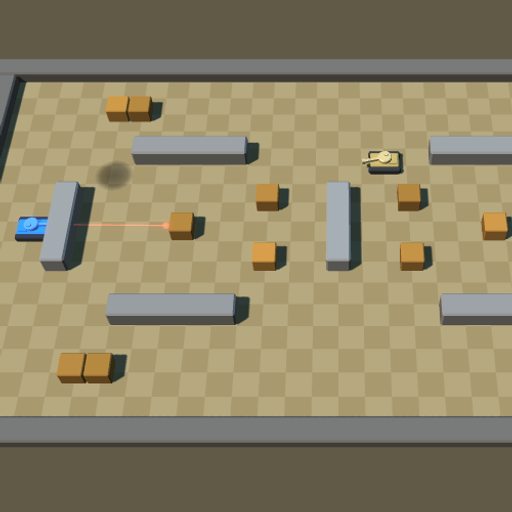
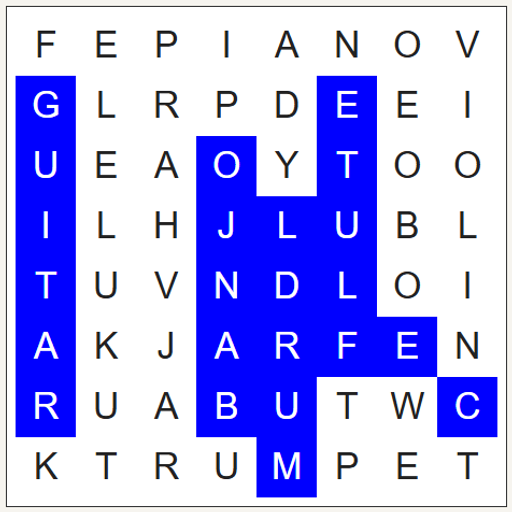
New Free Games

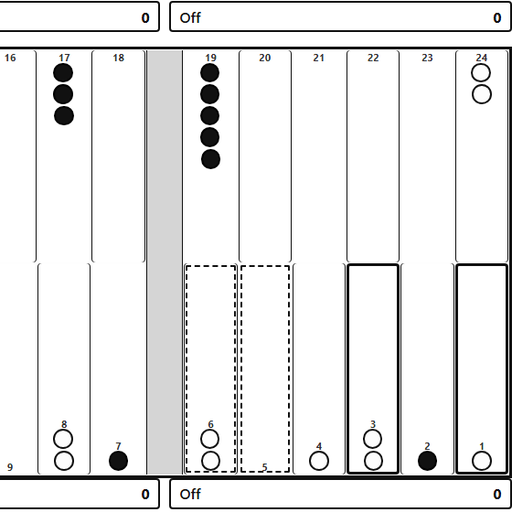
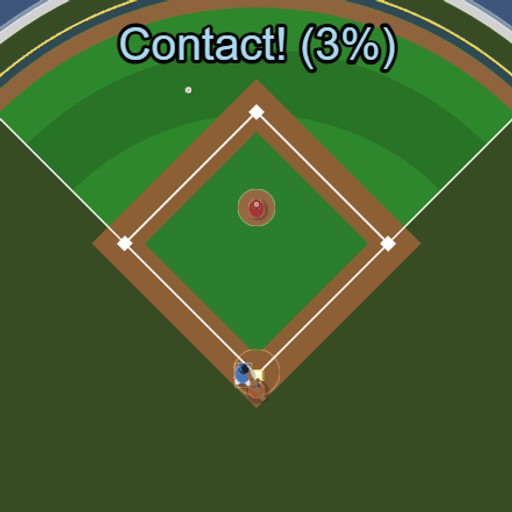
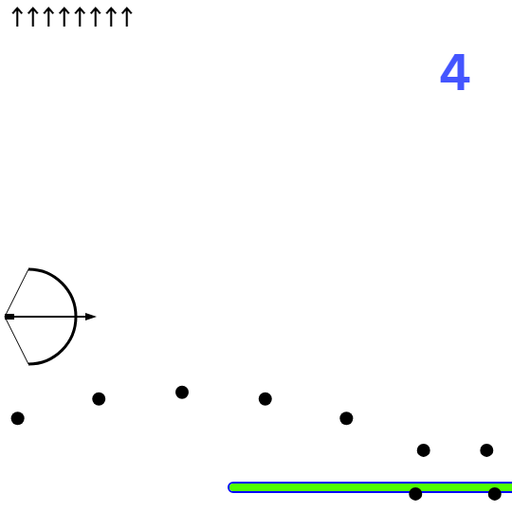
All Unblocked Games (87)
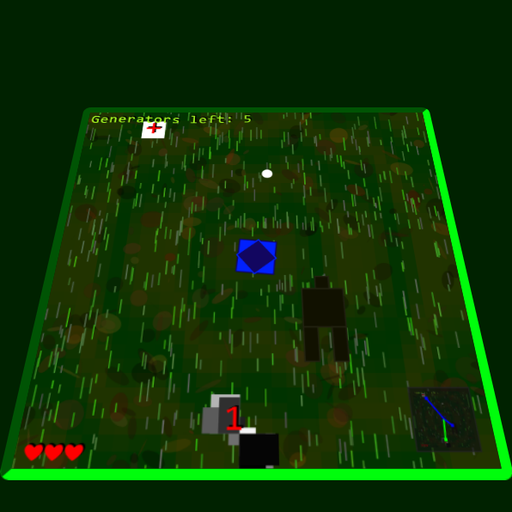
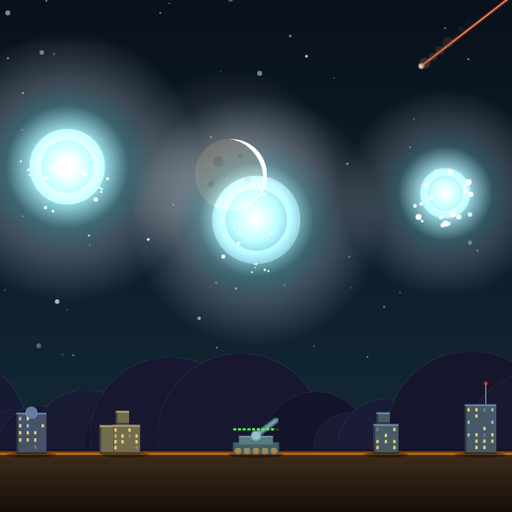


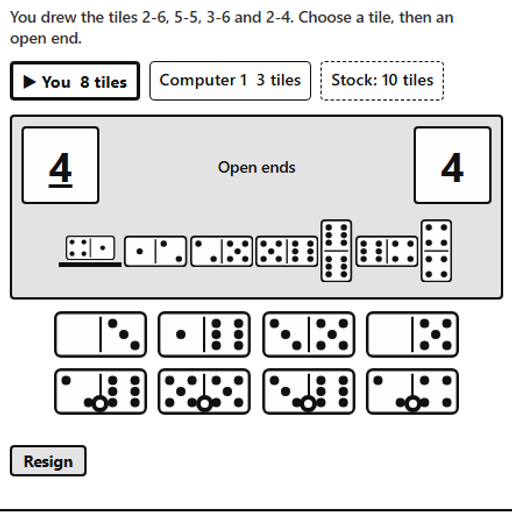
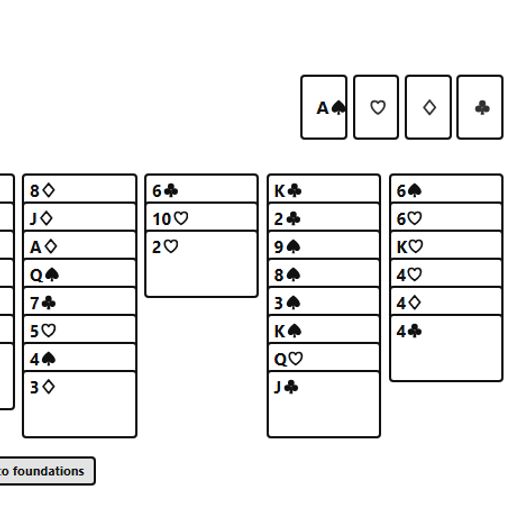
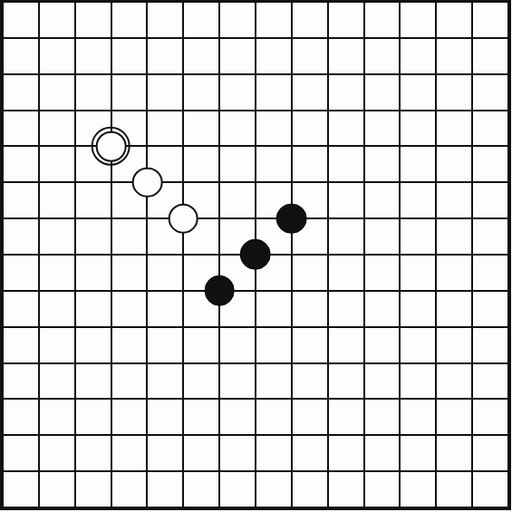

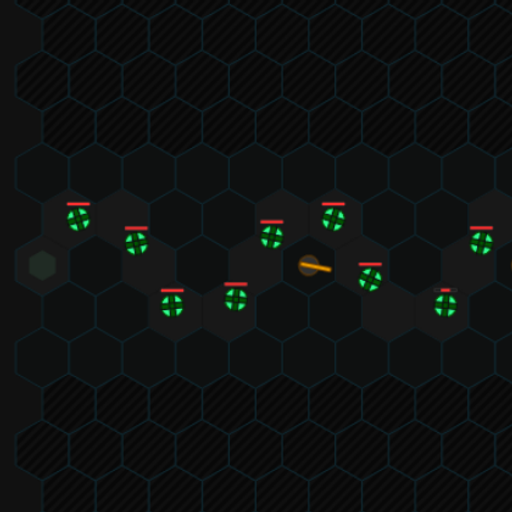
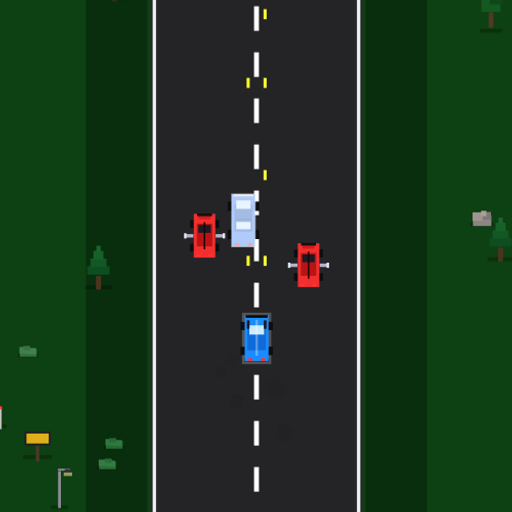
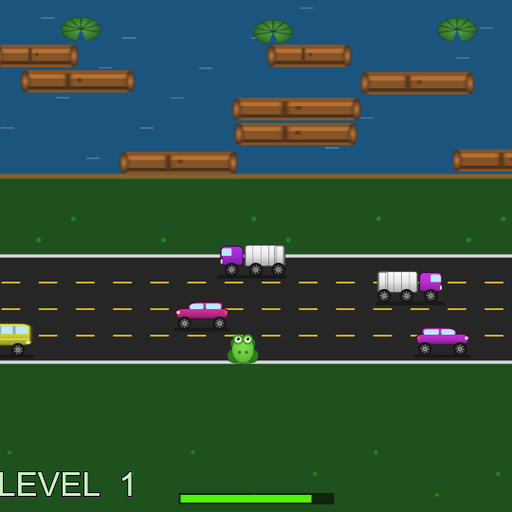
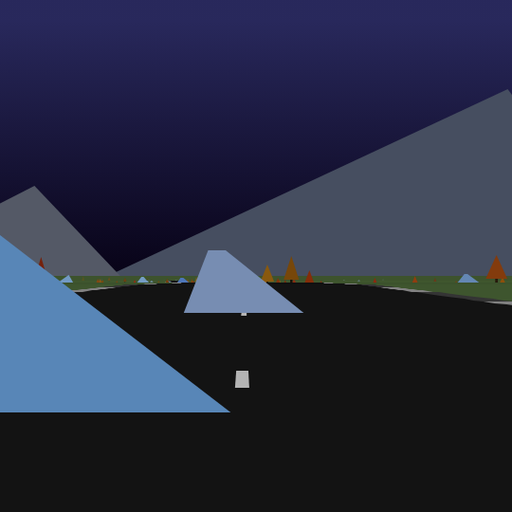
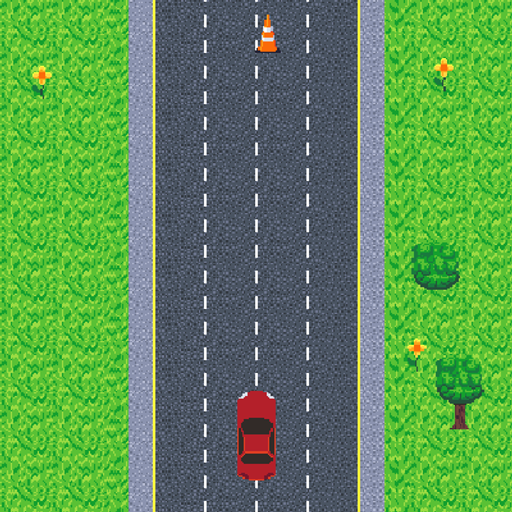
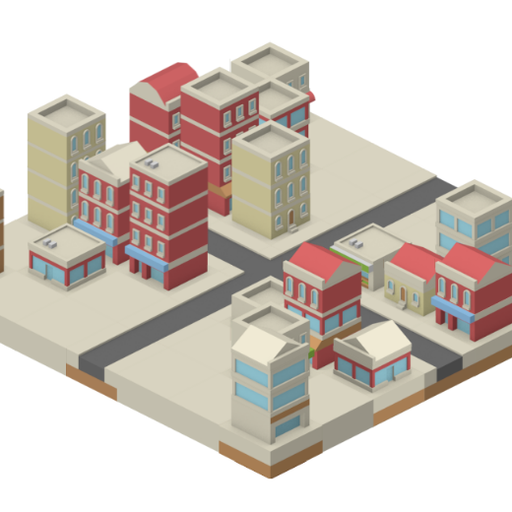
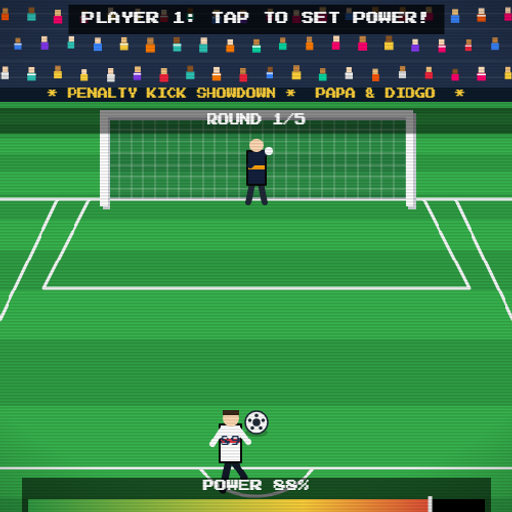

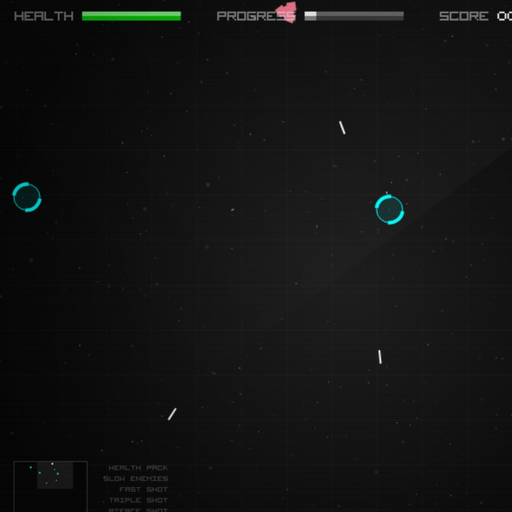
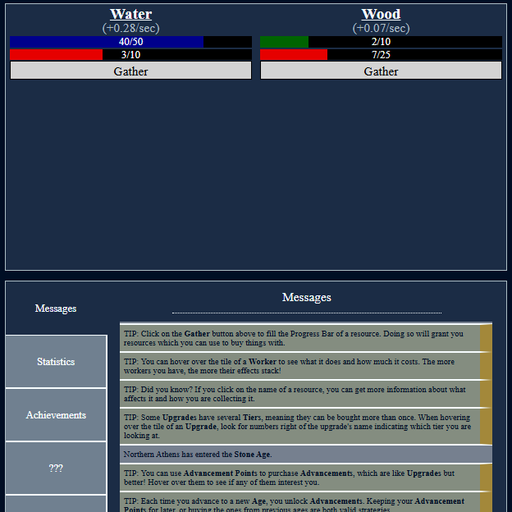
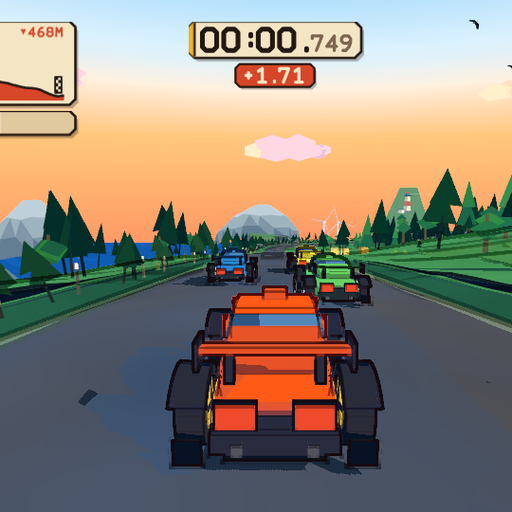

Recently Played Games
Welcome to Strongdog XP
Strongdog XP is a free website for playing unblocked games in your web browser. You open a game page, press Play, and the game starts inside that page a few seconds later. There is nothing to download, no app store, no account and no payment. Every game on Strongdog XP is stored on our own server at strongdog-xp.com, so the game you click is the game that loads, without pop-ups or detours to other sites.
We built Strongdog XP for people who want a quick, clean break. That might be a round of solitaire between classes, a puzzle on the bus, a racing game after work or a chess match against the computer on a quiet evening. The library covers nine categories, from brain teasers and card games to arcade shooters, sports, racing, adventures, strategy and relaxed casual games. Each game has its own page with instructions, a controls table, tips and full credits, so you know what you are about to play before you start.
What Makes Strongdog XP Different
Plenty of websites offer free browser games, and many of them feel the same: crowded pages, games that load from somewhere else, and descriptions copied from an app store. Strongdog XP takes a different approach in three ways.
Every game is open source
Each game in our collection was released by its creator under an open-source license. That means the author chose to let other people share it, and the source code is public for anyone to read. We do not host games taken from commercial portals or old web-game archives. On every game page you will find the author’s name, a link to the original source code, the code license and the license for the art and sound. A complete list lives on the game credits page.
Every game is hosted here
When you press Play, the game files come from our own server. The games do not call outside game distributors, ad networks or tracking scripts while you play. This keeps pages fast and private, and it means a game cannot vanish just because another company shut down a server. It is also the main reason we can describe the site as a home for unblocked games, which we explain in more detail below.
Every page is written by hand
Before we write about a game, we read its code and play it. The “How to Play” section, the controls table, the tips and the questions on each page describe that specific game: its scoring, its levels, its quirks and the keys it really uses. You will not find made-up features, invented ratings or fake reviews here.
How to Play Games on Strongdog XP
Getting started takes a few seconds, on a computer or a phone.
- Find a game. Browse the rows on this homepage, open one of the nine categories, or type a name into the search box at the top of every page.
- Press Play. The game loads in a frame on the same page. Nothing is installed, and you can leave at any time with your browser’s back button.
- Go full screen. The Full screen button below each game gives you more room. On a phone, turning the screen sideways helps with games built for a wide view.
- Pick up where you left off. Many games keep your best score or your progress in your browser’s storage, so you can come back later on the same device and carry on.
- Tell us if something breaks. Every game page has a “Report a problem” link that opens an email with the game’s name already filled in.
Controls at a glance
Each game page shows a table of controls for keyboard, mouse and touch, along with small badges near the player. “Works on mobile” means the game has touch controls that we tested on a phone-sized screen. “Desktop recommended” means the game really needs a keyboard or a mouse. “Keyboard required” appears when a game cannot be played any other way. Some games also accept a gamepad, and their pages say so.
What “Unblocked” Means on Strongdog XP
People usually search for unblocked games when they want something that loads on a network with filters, such as a school, library or office connection. Here is exactly what Strongdog XP offers, and what it cannot promise.
Every game file lives on this website. The games do not pull code, ads or tracking scripts from outside game servers, so a filter that blocks large game portals or ad networks does not stop them unless it blocks this site as well. Nothing needs to be installed, and no plugin such as Flash is involved, so the games run on locked-down computers and Chromebooks that cannot add software.
What no website can honestly promise is that every network will allow it. Many schools and workplaces filter whole categories of sites, and gaming sites are a common target. If your school or employer blocks Strongdog XP, please respect that decision and follow their rules. The games will still be here when you get home.
Browse the Strongdog XP Game Library
The collection is organized into nine categories. Here is a quick tour, with a few titles from each one to start with.
Puzzle games
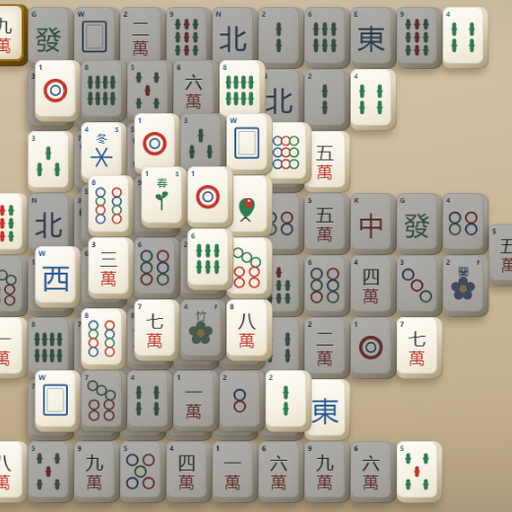
The puzzle section is the largest on Strongdog XP. It runs from the number-merging classic 2048 to Sudoku Flow, with its five difficulty levels and hints that explain the logic. Hextris spins a hexagon to catch falling blocks, while Mahjong Solitaire asks you to clear a stack of 144 tiles in matching pairs.
Card and board games
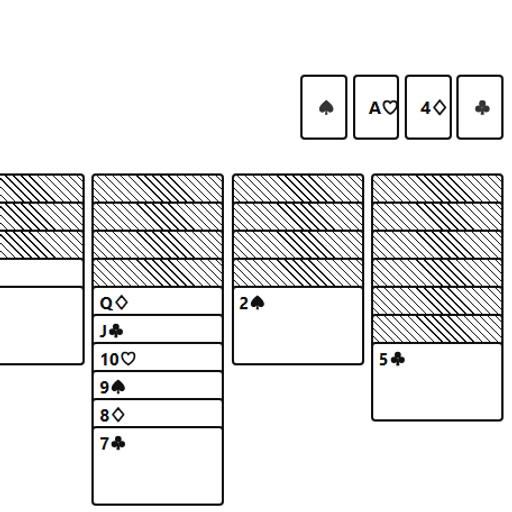
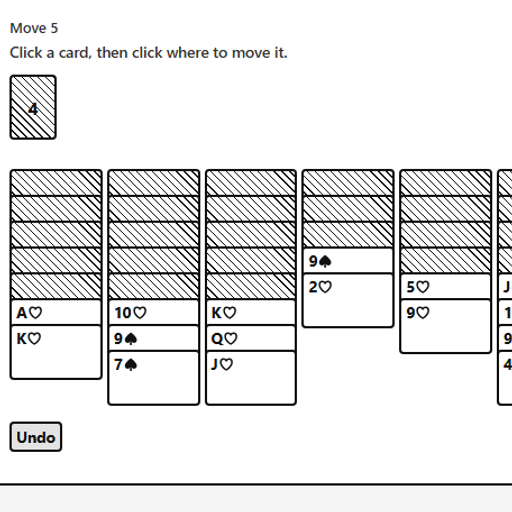
In the card and board section you can deal a hand of Klondike Solitaire, face a minimax engine in Chess vs Computer, or roll the dice in Backgammon. Many of these games let two people take turns on the same screen, which makes them easy to share with a friend or a family member.
Arcade games
The arcade games are short rounds built around a high score. Try breaking drifting space rocks in Rock Blaster, drawing glowing loops around targets in Coil, or racing a computer snake to ten apples in Golden Apple Snake.
Sports games
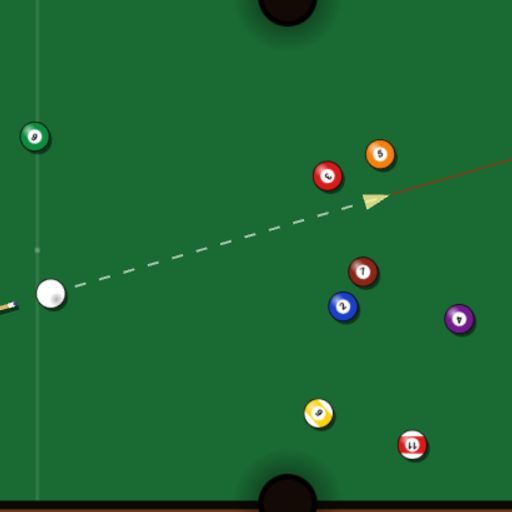
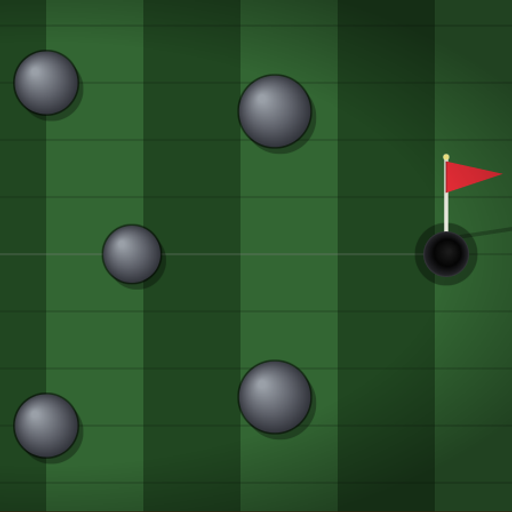
The sports section turns real sports into tests of aim and timing. Clear a full rack in Pocket Pool, work your way around nine holes in Mini Putt Park, or pick your spot from the penalty mark in Penalty Kick Showdown.
Racing games
The racing games include top-down circuits and full 3D roads. Tiny Track Racer builds a fresh track for every race, and Red Rock Descent sends you down a cel-shaded coastal mountain against three rivals.
Action games
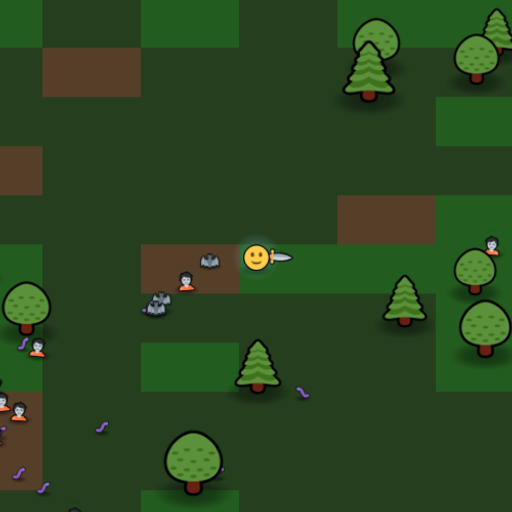
The action section is where reflexes count most. Emoji Horde fires your weapons for you while you weave through swarms, and Tank Ricochet rewards clever bank shots off arena walls.
Adventure games
If you prefer exploring to racing the clock, open the adventure games. A Dark Room grows from a single fire into a village and a long journey, told entirely in text. The Great Train Robbery lets you plan a Wild West heist and watch your gang carry it out.
Strategy games
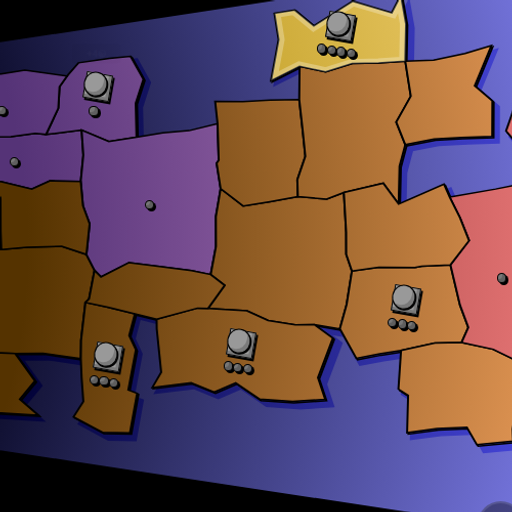
The strategy section is for planners. Compact Conflict is a turn-based fight for regions on a random map, Canvas Tower Defense challenges you to hold off endless waves, and IsoCity is a calm builder with no timer at all.
Casual games
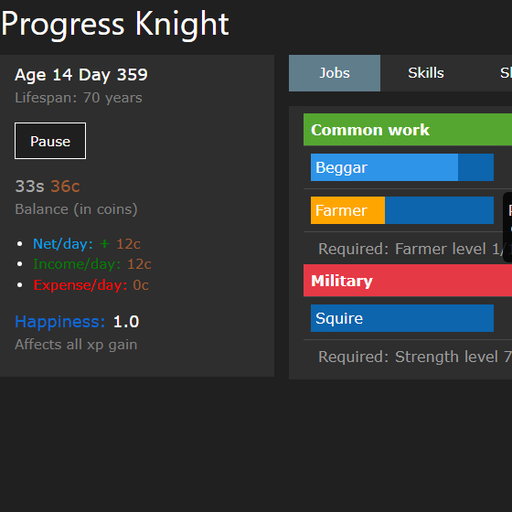
The casual games are easy to start and easy to stop. Progress Knight speeds a medieval life up into a few minutes, Math Sprint Game is a quick arithmetic race, and Pixel Sketch Studio is a small pixel art editor for anyone who likes to draw.
How We Choose and Test Every Game
We turn down far more games than we accept. Before a game appears on the site, it goes through the same five steps.
- License check. We read the license file for the code and look for a clear license for the art, music, sound effects and fonts. Anything with unclear, missing, non-commercial or “personal use only” terms is rejected.
- Originality check. We skip games that copy characters, logos or level designs from commercial games. When a game recreates an old idea, it gets a plain, descriptive name instead of a brand name.
- Clean-up. We copy only the files the game needs, remove trackers and outside links that would pull you away, and store any helper libraries on our own server. Author credits and license files stay in place, and every change is written down in a notes file next to the game.
- Testing. An automated browser opens every game page, presses Play and watches for errors, missing files and requests to other websites. A game only goes live when it passes, and we also play each one ourselves.
- Writing. Finally, we write the game’s page from what we saw in the code and on the screen. The “Tested and updated” date on each page shows when it was last checked.
Games to Play With a Friend
Most games here are single player, but a good number of them welcome a second person on the same screen. Checkers, Four in a Row, Gomoku, Mancala and Backgammon all have a local two-player mode where you take turns on one device. Dominoes and Snakes and Ladders go further and seat up to four players, any of whom can be run by the computer. Compact Conflict supports several human players taking turns on the same map. These are handy when you want something to play together without creating accounts or sending invites.
Tips for the Best Experience
A few small habits make every session smoother. Use a current version of your browser, since older ones may not support the graphics features some games rely on. Close other heavy tabs before you start a 3D game such as Red Rock Descent or Tank Ricochet, because they share your computer’s memory and graphics power. If a game has sound, it will only start after you click or tap inside it, so you can open a game in a quiet room without a surprise. Keyboard games need focus, so click once on the game area if the keys do not seem to respond. Finally, if you play on a shared computer, remember that saved progress belongs to that browser, so a private or guest window will start fresh every time.
Playing on Phones, Tablets and Chromebooks
A large part of the library works with touch. Games with on-screen buttons or swipe controls carry the “Works on mobile” badge, and their control tables list the touch gestures. Some games are simply better with a keyboard, such as typing games, roguelikes and the full racing weekend in Mini Grand Prix, and those pages recommend a desktop.
Chromebooks are a good fit because nothing needs to be installed. Any modern browser works, including Chrome, Edge, Firefox and Safari. If a game feels small, use the Full screen button, and on a phone try turning your screen sideways.
Privacy and Safety
You never need an account on Strongdog XP, and we do not ask for your name or email address to play. Game progress and best scores stay in your own browser, and you can clear them at any time. The games themselves do not contain ads or tracking scripts. If we show ads on the site in the future, they will appear around the game, never inside it or on top of its controls. Our privacy policy explains the details in plain language.
For Students, Parents and Teachers
Many of our games exercise useful skills. Typer Defense builds quick, accurate typing. Factors Game and Math Sprint Game practice mental arithmetic. Tower of Hanoi and Chess vs Computer reward planning several steps ahead, and the word and logic puzzles train focus. None of the games include chat, accounts or purchases, and none show realistic violence.
We still believe school time comes first. Strongdog XP is meant for breaks and free time, and we ask students to follow the rules of their classroom and network.
Thank You to the Open-Source Creators
Strongdog XP would not exist without the developers, artists and musicians who shared their work under open licenses. Many of these games began as entries in game jams or as personal projects, and their authors made the source code public so that others could learn from it and enjoy it. We keep their names, credits and license files with every game. If you made one of these games and want something changed, the copyright policy explains how to reach us, and you can always use the contact page.
Strongdog XP FAQ
Is Strongdog XP free to use?
Yes. Every game on Strongdog XP is free to play, with no sign-up, no subscription and no in-game purchases.
Do I need to download or install anything?
No. The games run inside your web browser. You do not need an app, a plugin or administrator rights on your computer.
Why won’t a game load for me?
First, try reloading the page. If it still does not load, your network may be filtering the site, or your browser may be very old. You can also report the problem from the game page, and we will check it.
Does Strongdog XP save my progress?
Many games save your best score or your current game in your browser’s storage. That save stays on the device and browser you used, and it disappears if you clear your browsing data.
Can I suggest a game?
Yes. Send us a link to the game’s source code through the contact page. We can only add games whose code and art are both released under an open license, and new arrivals appear in the “New Free Games” row on this page.
Who runs Strongdog XP?
Strongdog XP is an independent website. You can read more about how we work on the About page.